 PDF AI
Chat with any PDF.
Answers cite their pages.
A Chrome side panel that reads the document with you — contracts, papers, 100-page reports, even scans. Ask in plain language; check every claim in one click.
Add to Chrome — free · no card- searched "termination notice", "cancellation period", "end of agreement" — 5 passages
- read section s14 "11. Termination"
Built for documents you don't want to read whole
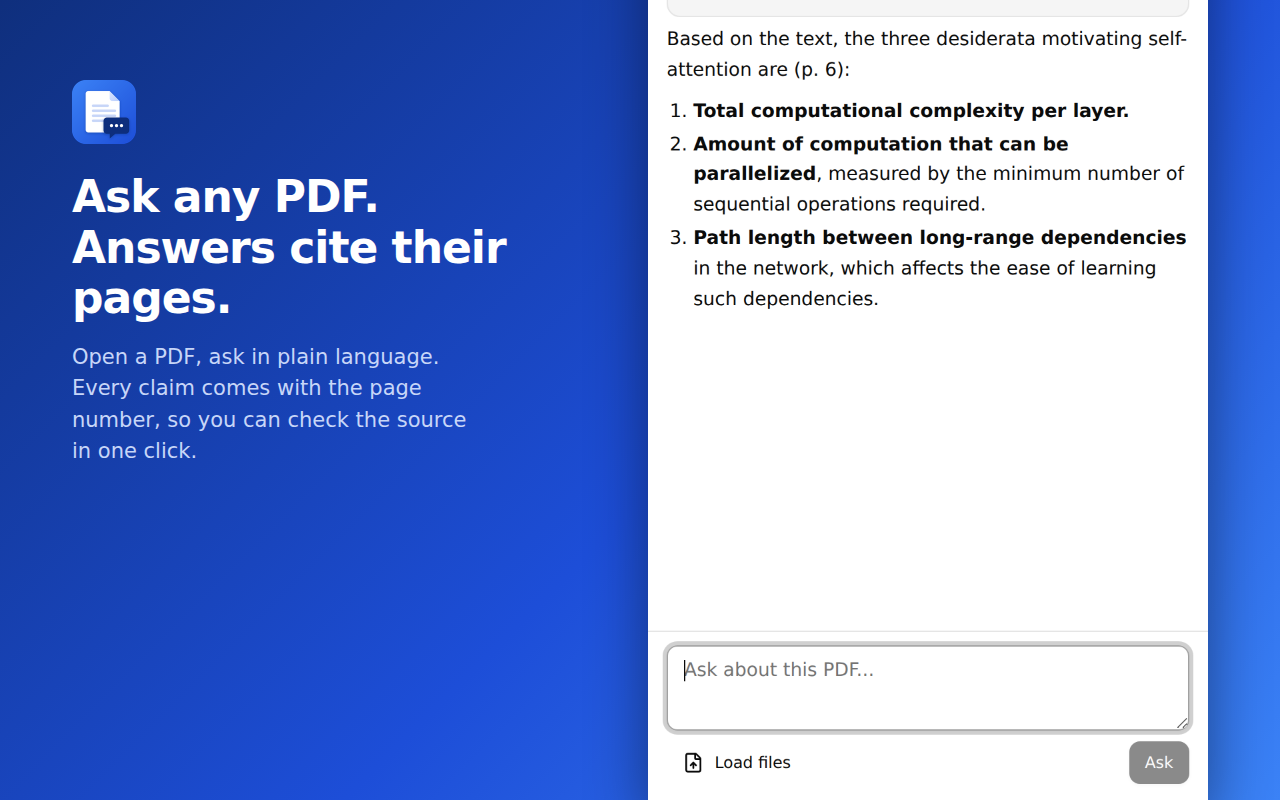
Answers with page citations
Every claim carries its page number, quoted exactly when wording matters. No source, no claim — when the file doesn't contain the answer, it says so.
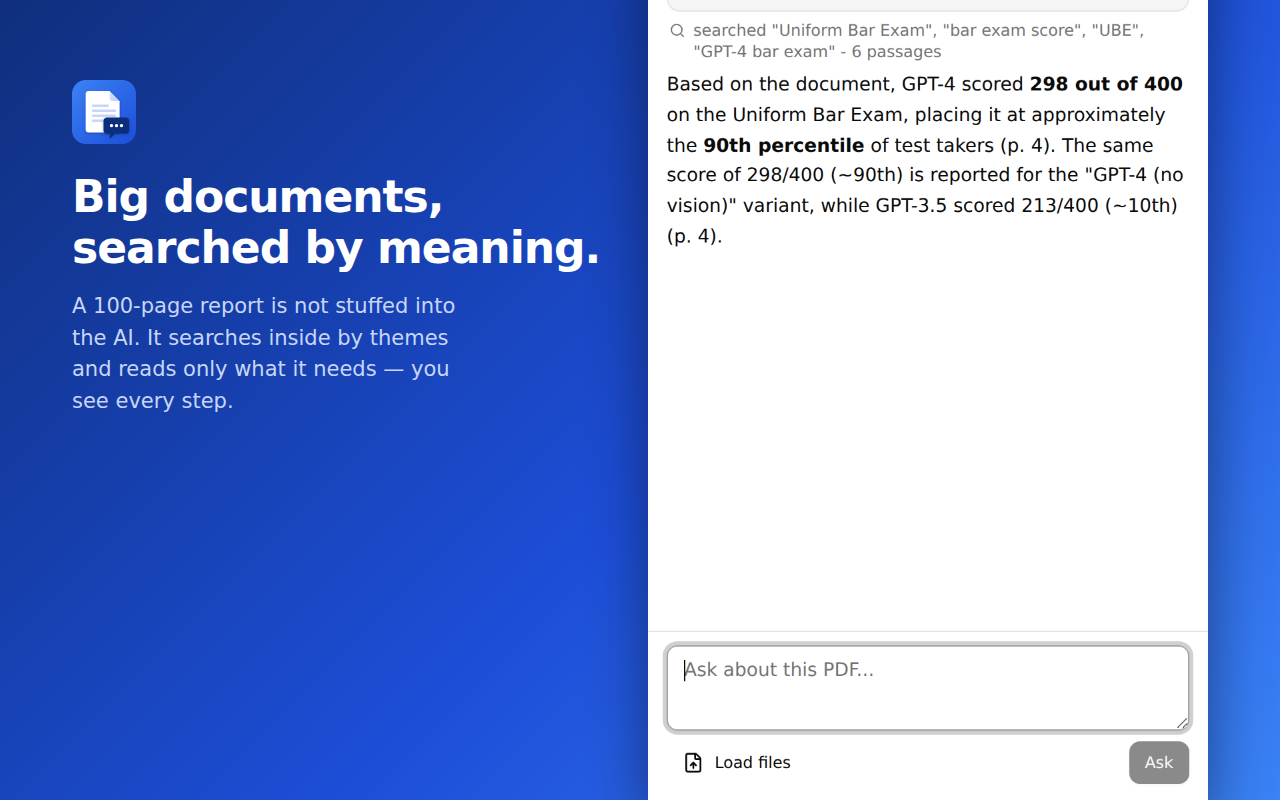
Big documents, searched by meaning
Long PDFs aren't stuffed into the AI. It sees the outline, searches inside by themes, and reads only the sections it needs — you watch every step.
Reads scans
No text layer? Built-in OCR recognizes pages locally in your browser before the chat starts.
Several PDFs, one conversation
Load multiple files at once. Answers name the file and the page they came from.
Three steps, nothing to configure
Open a PDF
From the web, a local file, or the Load files button. A chat button appears in the corner of every PDF page.
Ask
The text is extracted on your computer. Only the relevant passages are sent to the AI to produce the answer.
Verify
Follow the page citation back to the source. Trust, but check — in one click.
Start free, stay cheap
Try it
- 3 questions, no sign-in
- All features included
Signed in
- Sign in with Google
- Generous monthly usage allowance
- Big documents, scans, multi-file
Questions people actually ask
Does my whole document get uploaded somewhere?
Text extraction and OCR happen in your browser. When you ask a question, the relevant document content is sent to our server and the AI service to generate the answer; questions and answers are logged to improve quality. Details in the privacy policy.
Does it work on scanned PDFs?
Yes. Pages without a text layer are recognized with built-in OCR (English text currently) locally in your browser.
How big can the PDF be?
Hundreds of pages is fine. Long documents are searched by meaning rather than sent whole, so answers stay fast and grounded.
Can I use local files?
Yes — either enable "Allow access to file URLs" for the extension, or simply pick the file with the Load files button.
Which languages are supported?
The assistant understands documents and questions in most major languages. The interface is localized into 16 languages.